 |
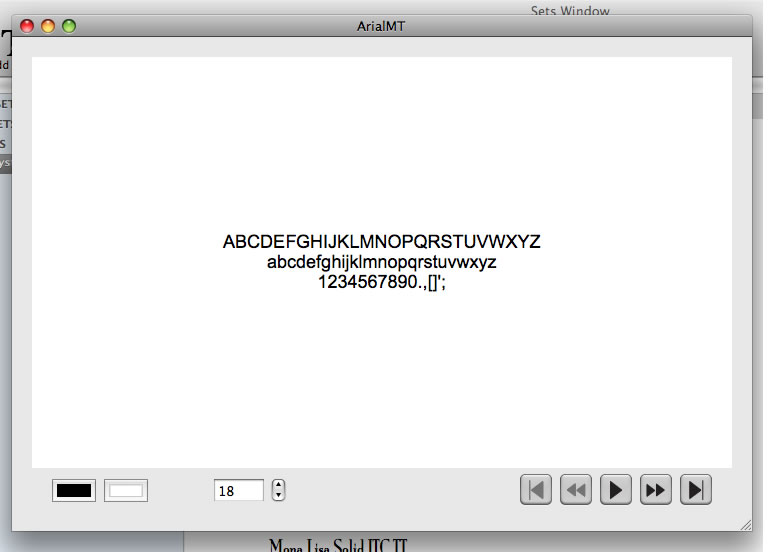
This is the slide show window. With it, you can view all of your fonts in a continuous display. Or go to different fonts. |
| The Quick View display gives you a side by side comparison of selected fonts from the main font listing table. | 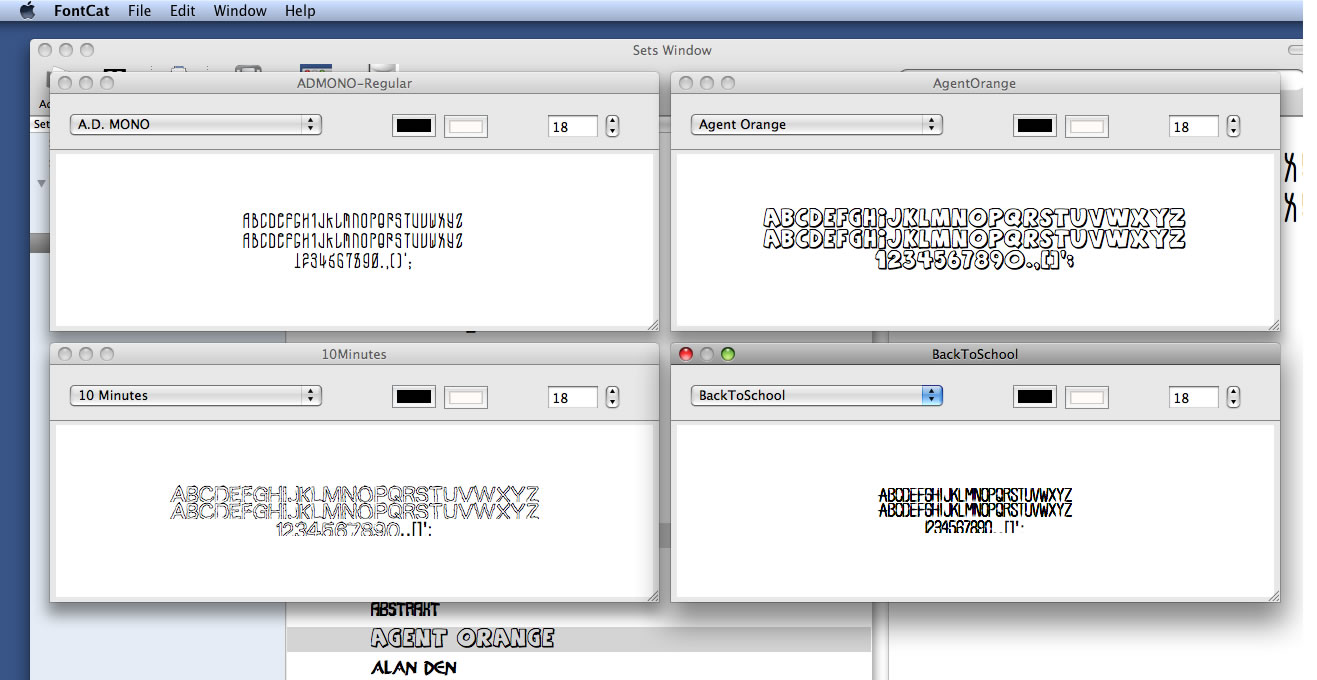 |
| The Layout editor is where you can create customized layouts to handle printing of your fonts or font listing. |  |